Flint logo FLINT

Every attack surface.
One research platform.

WiFi · Network · Bluetooth · NFC · RFID · SubGHz · IR · SDR · BadUSB · GPS

Built for security researchers, red teams, and pentesters.

⚠ Preview
// about

One firmware.
Every surface.

Flint is an offensive security research firmware that consolidates the most complete and battle-tested capabilities into a single, cohesive platform. WiFi, Bluetooth, NFC, RFID, SubGHz, IR, SDR, GPS, BadUSB — all in one tool, running on any Linux hardware. Built for authorized testing, red-team engagements, and hands-on research.

// github.com/flintdevices/flint — preview

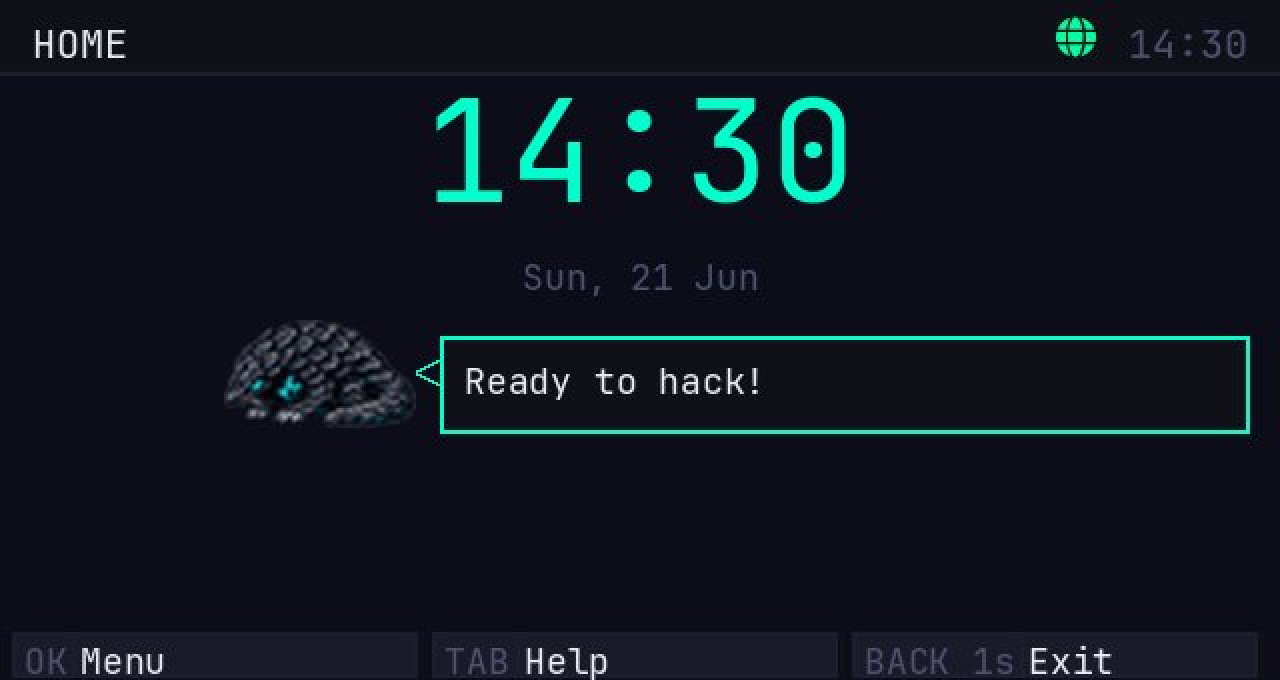
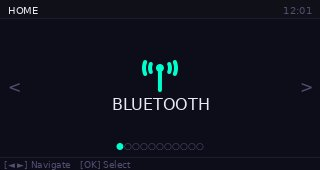
Flint home screen

// hardware

Runs everywhere.

Flint is not tied to any single device. It runs on a growing ecosystem of hardware — from pocket-sized computers to dedicated radio tools and GPIO boards. One firmware, any target.

Active
M5Stack CardputerZero
Primary target. Pocket-sized Linux computer with built-in keyboard, 320×170 display, WiFi, and Bluetooth. The original Flint platform.
Active
Raspberry Pi
Full Linux, GPIO pins, USB host, and all major wireless radios via HATs. Ideal for stationary setups or high-performance field deployments.
Planned
GPIO Boards
Direct GPIO access for custom hardware setups — antennas, sensors, serial devices. HAL abstraction maps pins to tool capabilities.
Planned
USB Accessories
Alfa adapters, RTL-SDR dongles, Ubertooth One, HackRF, Proxmark — plug-in radios auto-detected and exposed to the tool layer. MT7612U and AR9271 USB adapters are recognized for monitor mode WiFi tools.
and more
The HAL is designed to be portable.
If it runs Linux, Flint can run on it.

// tools

Built for the field.

The most complete and battle-tested offensive capabilities, unified into one platform for security research and authorized assessments.

Done Partial Planned // see full roadmap
WiFi
scan · attack · recon · crack
Monitor mode tools require nexmon or a USB dongle (MT7612U / AR9271)
Network
MITM · sniff · spoof · scan
Bluetooth / BLE
scan · spam · sniff · GATT
NFC / RFID
read · clone · emulate · write
SubGHz
capture · replay · analyze
IR
capture · replay · bruteforce
SDR
spectrum · demod · RTL-SDR
BadUSB / HID
DuckyScript · keystroke inject
GPS
wardriving · geolocation
GPIO
I²C · SPI · UART · serial
Shell Tools
wraps any Linux binary
JS / Scripting
run scripts on-device

// roadmap

What's coming.

Done Partial Planned

Loading...

// in action

See it running.

Home

HOME — CLOCK & SHORTCUTS

Home List View

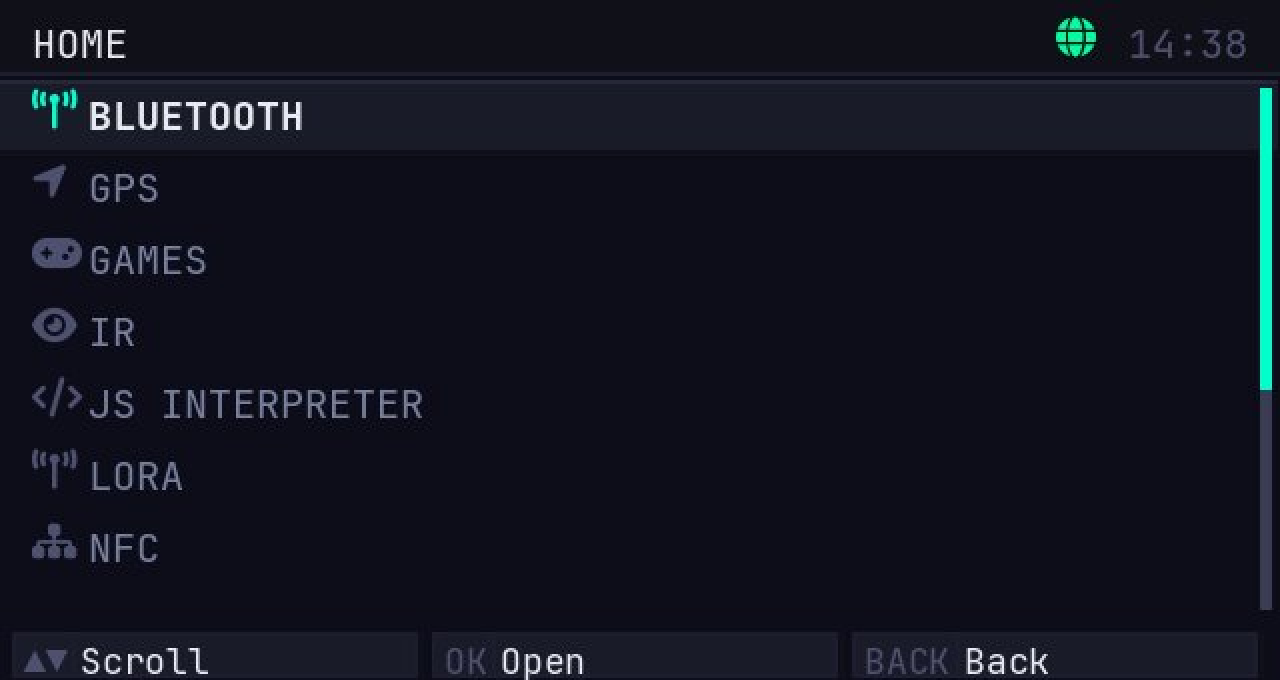
HOME — LIST

Home Categories

HOME — CATEGORIES

WiFi Scan

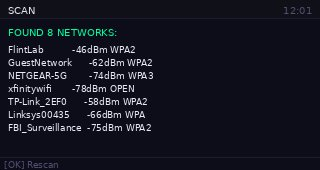
WIFI SCAN

Ping Stats

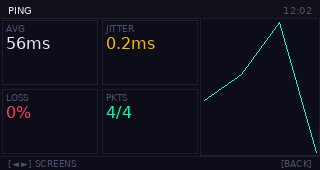
PING — STATS

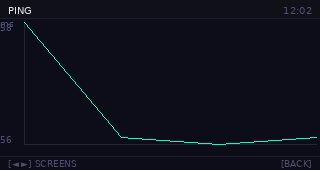
Ping Chart

PING — CHART

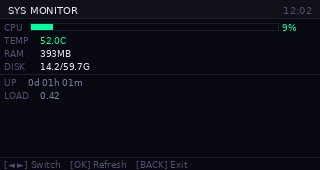
Sysmon Dashboard

SYSMON — DASHBOARD

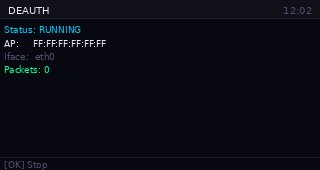
Deauth running

DEAUTH — RUNNING

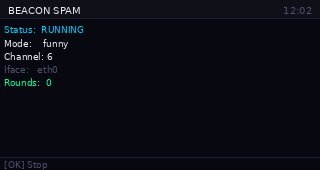
Beacon Spam running

BEACON SPAM — RUNNING

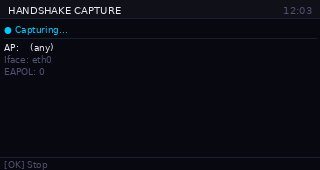
Handshake Capture

HANDSHAKE CAPTURE — RUNNING

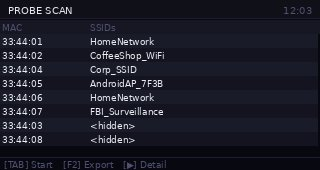
Probe Scan

PROBE SCAN

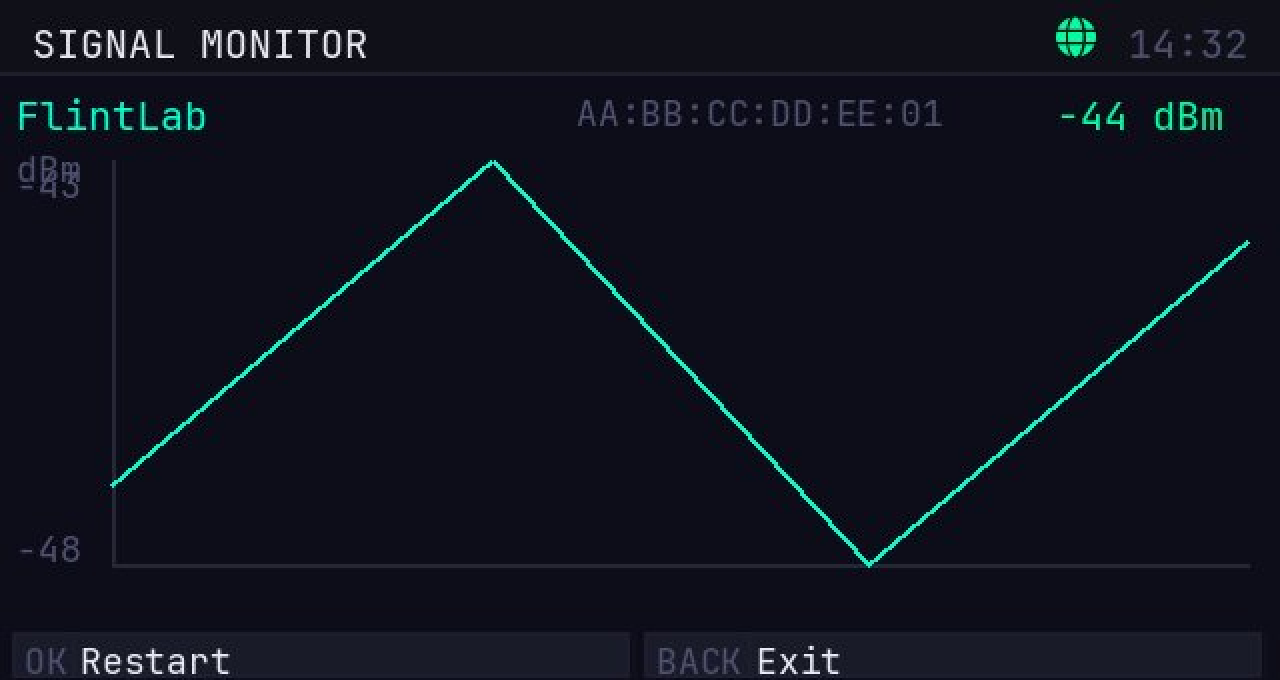
Signal Monitor

SIGNAL MONITOR

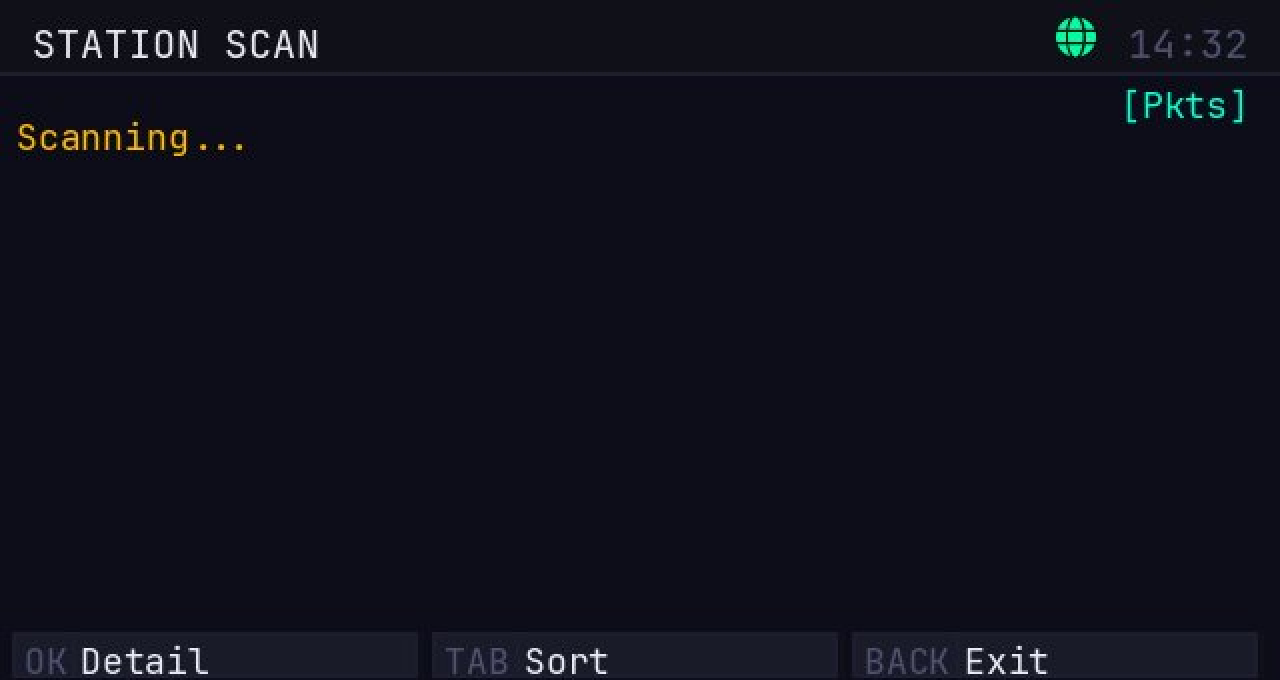
Station Scan

STATION SCAN

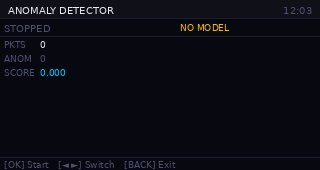
Anomaly Detector

ANOMALY DETECTOR — MONITORING

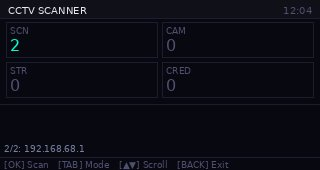
CCTV Scanner

CCTV SCANNER

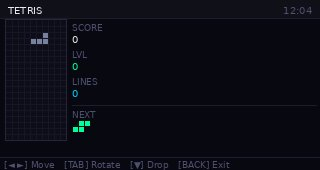
Tetris

TETRIS

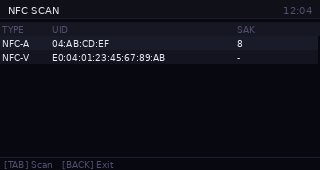
NFC Scan

NFC SCAN

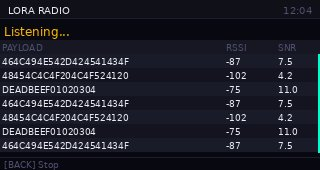
LoRa Radio

LORA RADIO — RECEIVING

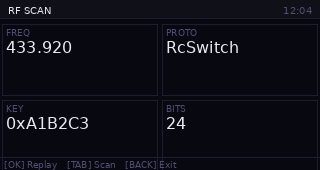
RF Scan

RF SCAN & COPY

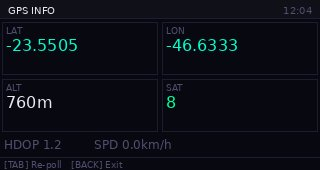
GPS Info

GPS INFO

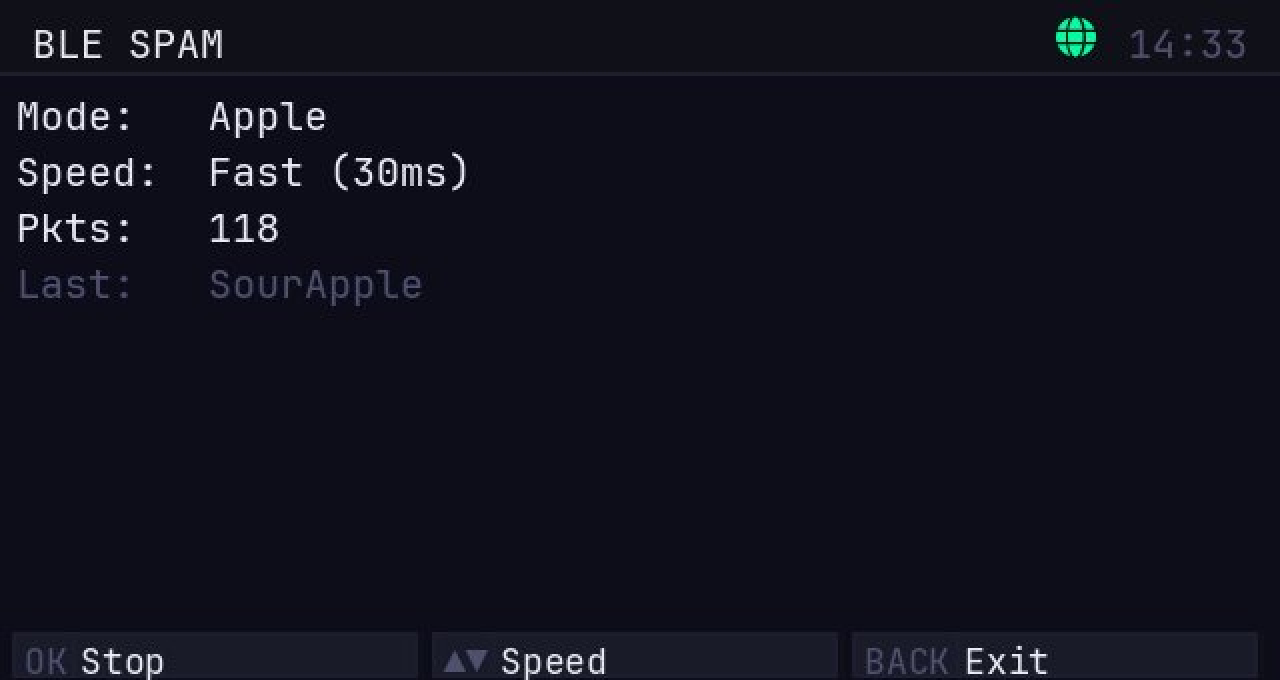
BLE Spam running

BLE SPAM — RUNNING

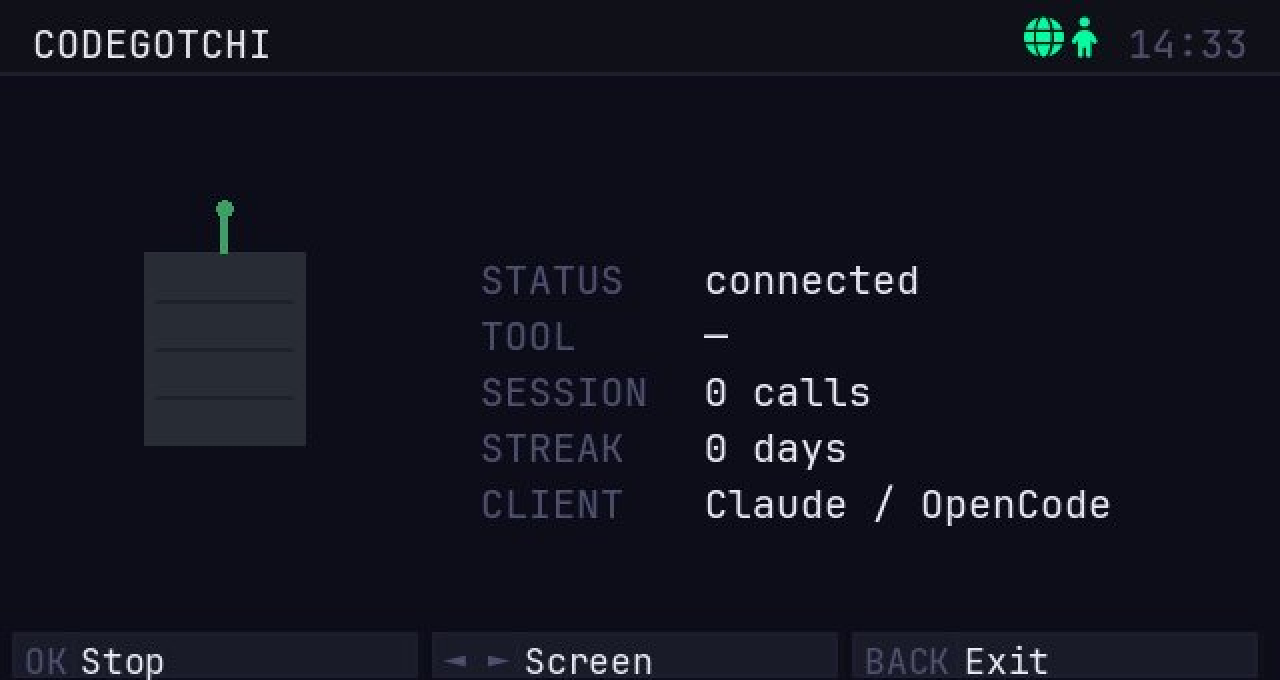
CodeGotchi

CODEGOTCHI

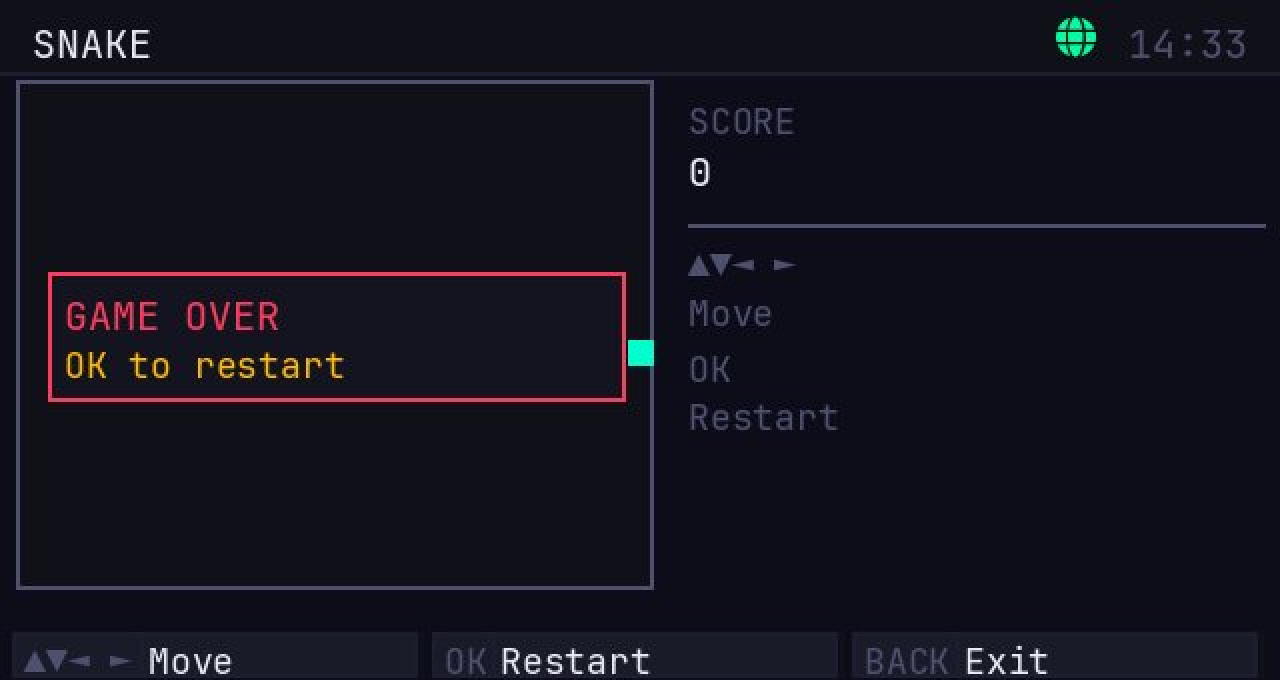
Snake

SNAKE

Evil Portal Config

EVIL PORTAL — CONFIG

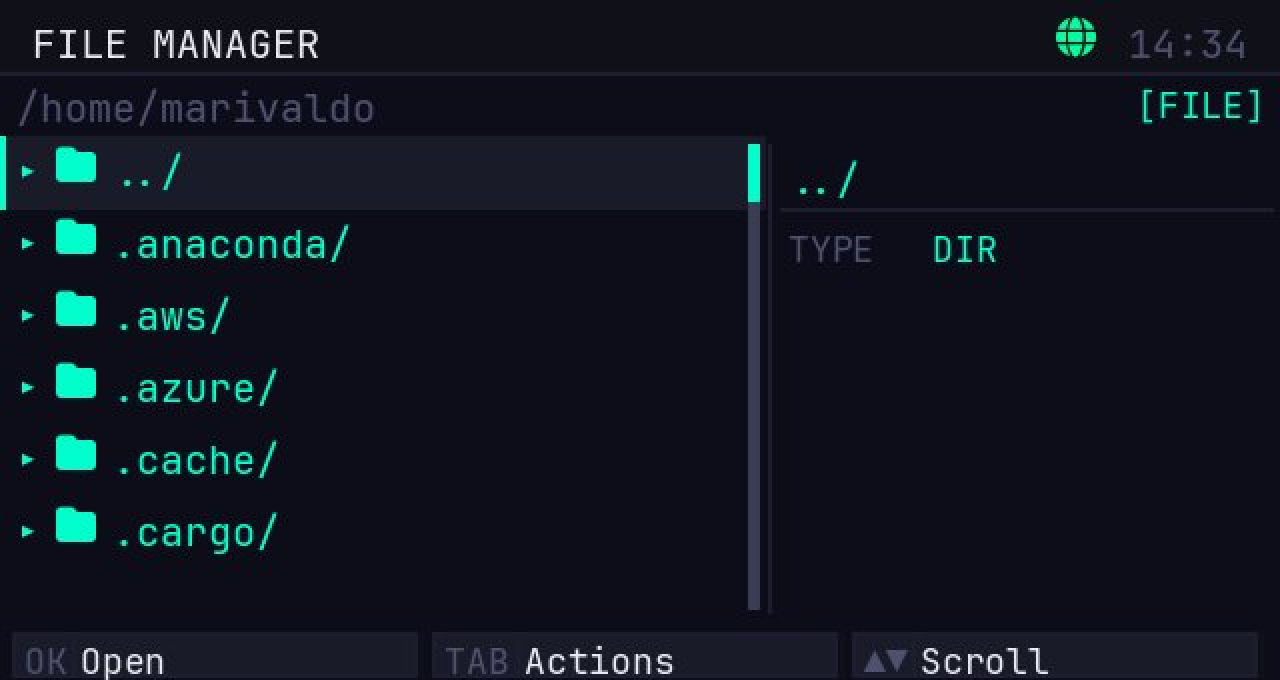
File Manager

FILE MANAGER

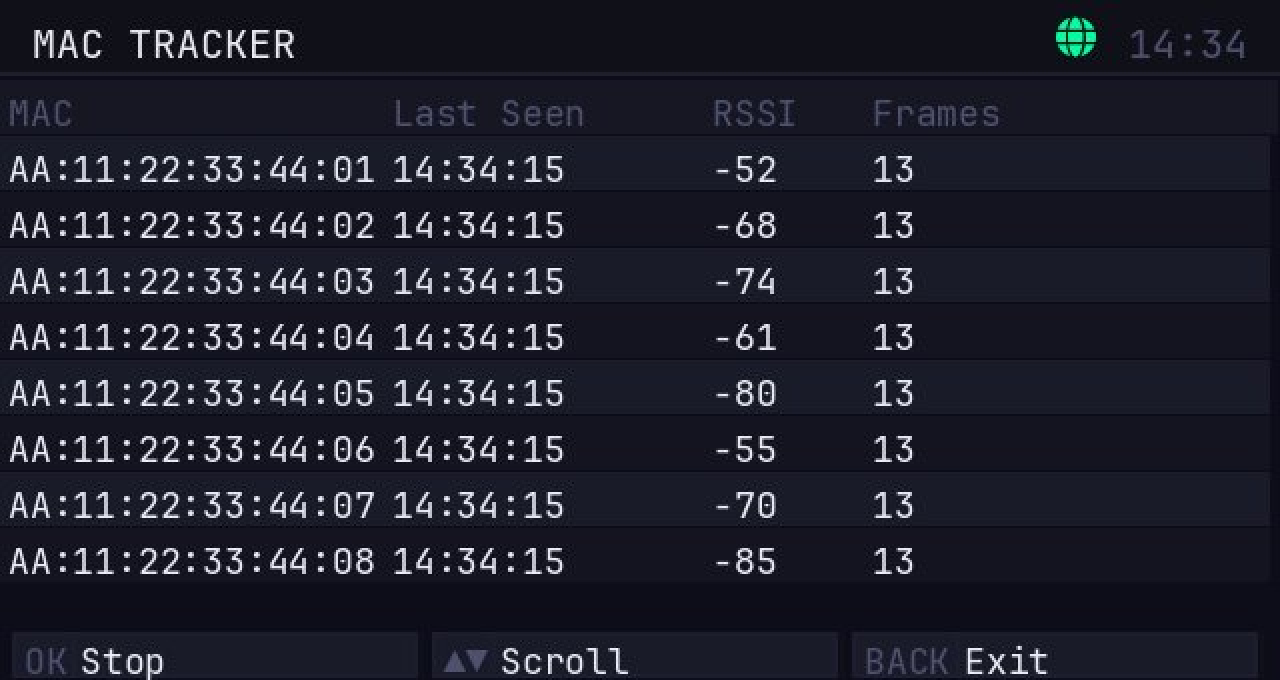
MAC Tracker

MAC TRACKER

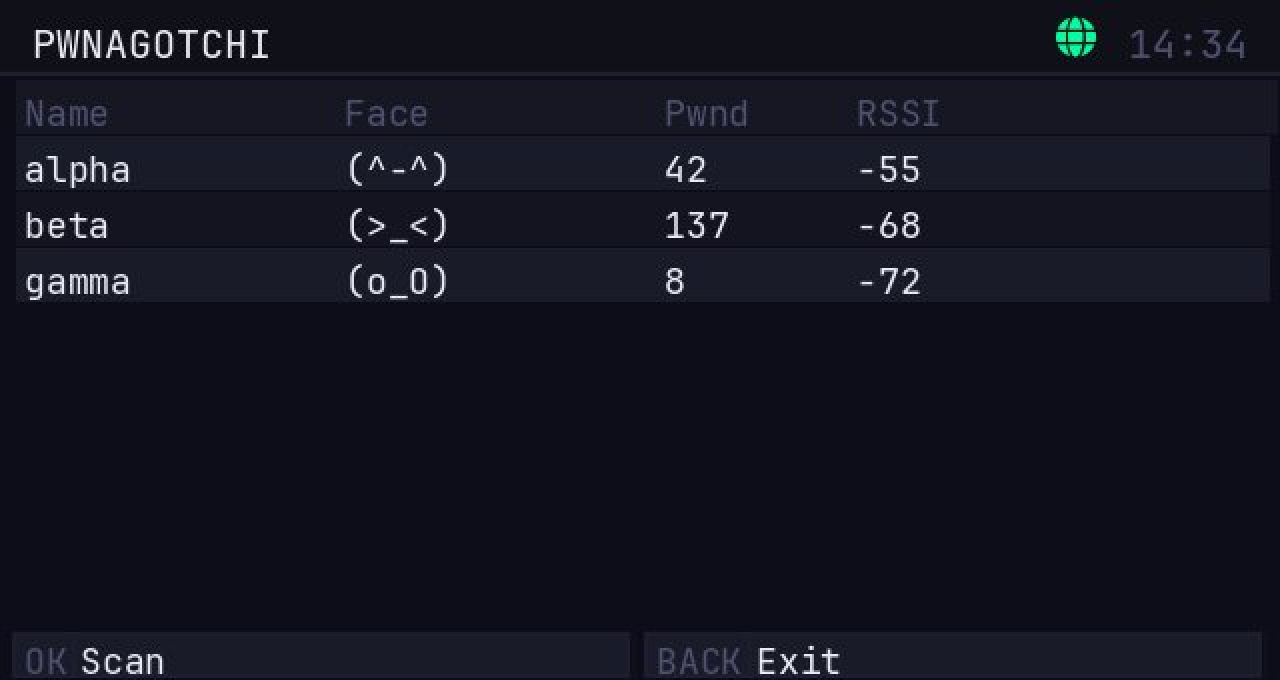
Pwnagotchi Detector

PWNAGOTCHI DETECTOR

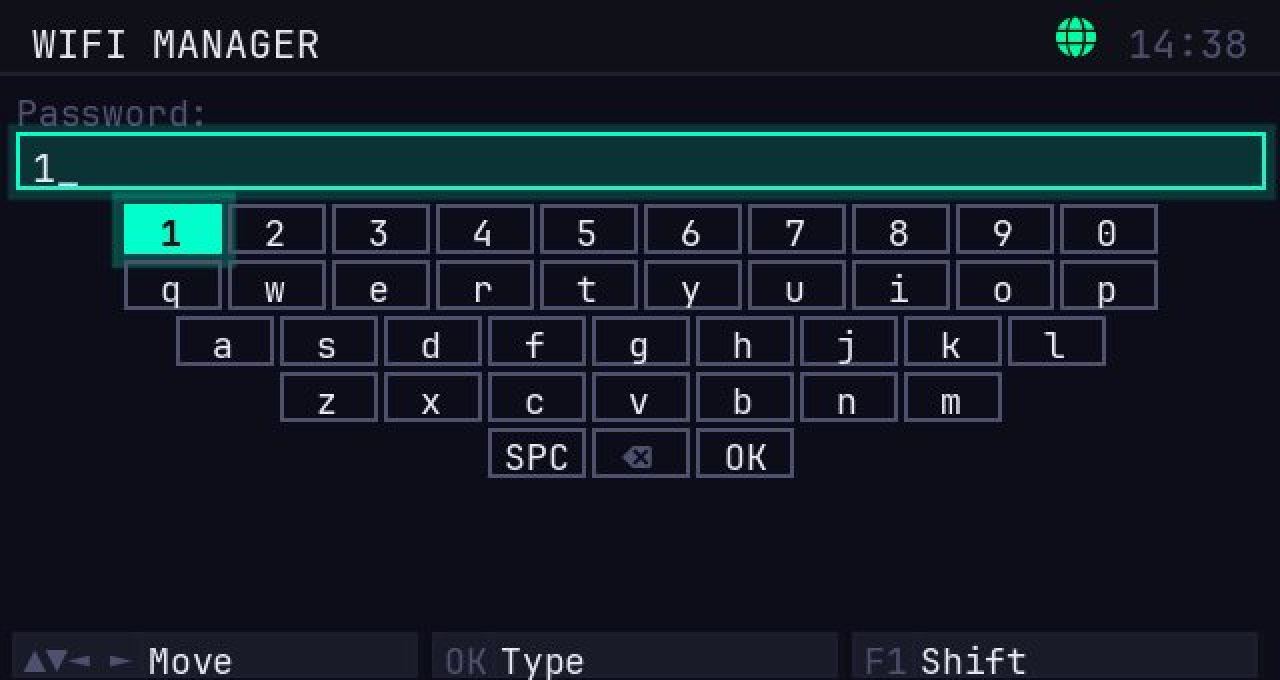
Virtual Keyboard

VIRTUAL KEYBOARD

// install

Get running in minutes.

⚠ Preview
This is a preview release of Flint. You may encounter bugs and unexpected behavior — please report them via GitHub Issues.

LATEST v0.0.46
01
Prerequisites
  • CardputerZero running Debian/Ubuntu-based Linux
  • SSH access or physical keyboard
  • Internet connection
02
Download & Install

Architecture: arm64

wget https://releases.flintdevices.dev/flint_0.0.46_arm64.deb
sudo apt install ./flint_0.0.46_arm64.deb

If apt reports unmet dependencies:

sudo apt --fix-broken install
sudo apt install ./flint_0.0.46_arm64.deb
03
Launch

After installation, Flint appears in APPLaunch automatically. Just select it from the launcher.

Or call it directly from the shell:

flint
01
Prerequisites
  • Raspberry Pi 3B / 4 / 5 running Raspberry Pi OS
  • SSH or terminal access
  • Internet connection
  • Architecture: arm64 for RPi 3B+/4/5 (64-bit OS) · armhf for 32-bit OS or RPi Zero 2
02
Download & Install

Choose your architecture:

arm64 — 64-bit

wget https://releases.flintdevices.dev/flint_0.0.46_arm64.deb
sudo apt install ./flint_0.0.46_arm64.deb

If apt reports unmet dependencies:

sudo apt --fix-broken install
sudo apt install ./flint_0.0.46_arm64.deb

armhf — 32-bit

wget https://releases.flintdevices.dev/flint_0.0.46_armhf.deb
sudo apt install ./flint_0.0.46_armhf.deb

If apt reports unmet dependencies:

sudo apt --fix-broken install
sudo apt install ./flint_0.0.46_armhf.deb
03
Launch

Use sudo -E to preserve environment variables passed to flint.

Recommended — headless mode (no display required):

sudo -E FLINT_HEADLESS=1 FLINT_WEB=1 flint

With a connected display:

sudo flint

Web UI via SSH — access at http://<pi-ip>:8080:

sudo -E FLINT_WEB=1 flint
01
Prerequisites
  • Debian / Ubuntu (x86_64 or ARM)
  • Python 3.11+
  • pygame: sudo apt install python3-pygame
02
Download & Install

Architecture: all (pure Python, no native binary)

wget https://releases.flintdevices.dev/flint_0.0.46_all.deb
sudo apt install ./flint_0.0.46_all.deb

If apt reports unmet dependencies:

sudo apt --fix-broken install
sudo apt install ./flint_0.0.46_all.deb
03
Launch

Recommended — headless mode (no display required):

FLINT_HEADLESS=1 flint

Emulator mode (opens a pygame window):

flint

Web UI — access at http://localhost:8080:

FLINT_WEB=1 flint
cfg
Environment Variables
Variable Default Effect
FLINT_WEB 0 Set to 1 to start the WebSocket/HTTP server
FLINT_WEB_PORT 8080 Port for the web UI
FLINT_HEADLESS 0 Set to 1 to suppress the pygame/framebuffer window

Release history

Changelog

Loading...

// community

Found a bug? Have an idea?

Flint is in preview. Things break. Feedback shapes what gets built next. Open an issue — no account setup, no template required.

// responsible use

For research. Not for harm.

Flint exists for security research, education, and authorized testing — red-team engagements, penetration tests, CTFs, and assessing equipment you own. It is a tool for understanding and hardening systems, not for attacking them. We do not condone or support illegal activity.

Get authorization

Only use Flint on systems you own or have explicit, written permission to test. No exceptions.

Respect the law

Follow local laws on radio frequencies, telecommunications, and privacy. Rules vary by region — know yours.

No unauthorized use

We do not support unauthorized access, interception of communications, or disruption of services.

You are solely responsible for how you use Flint and for complying with all applicable laws and regulations.